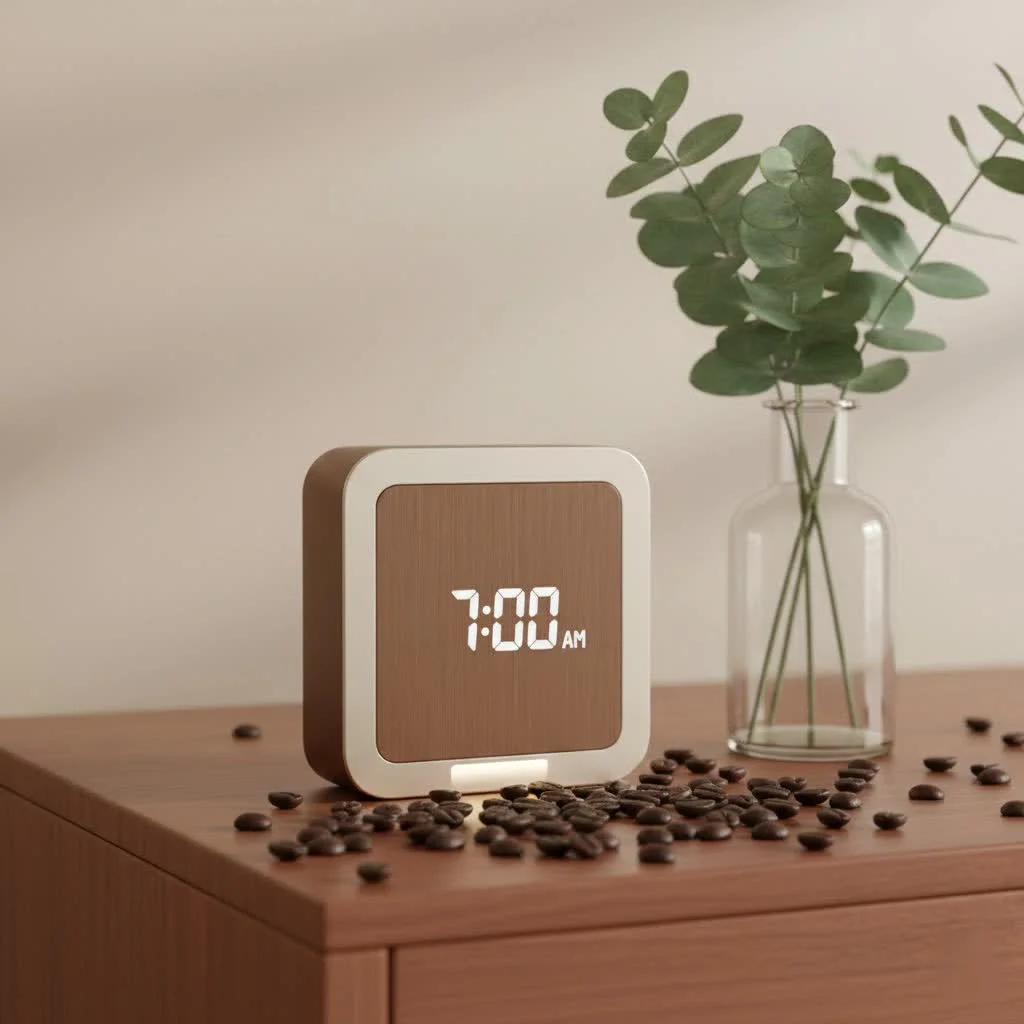
An Alexa alarm clock is a smart assistant device, infused with Amazon’s Alexa AI, designed to integrate seamlessly into your life and improve your morning and evening routines. These innovative devices typically feature a display, often a touchscreen, alongside a built-in speaker, offering capabilities far beyond basic timekeeping. They allow users to set alarms, play personalized music, control smart home devices, and access information using voice commands, transforming a simple wake-up call into a personalized, intelligent experience.
What Exactly is an Alexa Alarm Clock?
At its core, an Alexa alarm clock is more than just a device that tells time and emits a sound at a set hour. It’s a smart assistant, infused with Amazon’s Alexa AI, designed to integrate seamlessly into your life and improve your entire morning (and evening) routine. Think of it as your personal bedside concierge, ready to respond to your voice commands, control your smart home, and deliver information without you ever having to lift a finger.
These innovative devices typically feature a display, often a touchscreen, alongside a built-in speaker. While the time is always front and center, their capabilities stretch far beyond basic timekeeping, making them an indispensable tool for anyone looking to optimize their sleep and streamline their day.
Unlock a World of Features: Beyond the Basic Beep
The real magic of an Alexa alarm clock lies in its rich array of features, turning mundane mornings into an opportunity for personalized comfort and efficiency.
Voice-Activated Convenience: Your Command is Its Wish
Imagine this: your hands are full, or you’re just drifting off to sleep. Instead of fumbling with buttons, you simply say, “Alexa, set an alarm for 7 AM.” Instantly, your alarm is set. This hands-free control is a cornerstone of the Alexa alarm clock experience. Beyond setting alarms, you can ask Alexa for the weather forecast, news headlines, or even complex questions, all from the comfort of your bed. For those with variable schedules, setting new alarms each night via voice is a major upgrade, eliminating the need to interact with a physical phone or traditional clock.
Wake Up to What You Love: Personalized Music Alarms
Gone are the days of startling, generic alarm tones. With an Alexa alarm clock, you can wake up to your favorite song, artist, genre, or even a specific radio station. Simply tell Alexa: “Alexa, wake me up to ‘Good Vibrations’ by The Beach Boys at 6:30 AM every weekday.” Your device will pull music from connected services like Amazon Music, Spotify, Apple Music, Pandora, TuneIn, and iHeartRadio, provided you have an account and subscription where required. This feature allows you to start your day with a positive and energizing auditory experience, rather than a jarring jolt.
You can set these music alarms through voice commands directly to your Alexa device. For more detailed customization, such as setting specific playlists or adjusting volume, the Alexa app on your smartphone offers a robust interface to fine-tune your wake-up experience.
Smart Home Synergy: Your Bedside Command Center
|
Our Picks for the Best Alarm Clock in 2026
As an Amazon Associate I earn from qualifying purchases.
|
||
| Num | Product | Action |
|---|---|---|
| 1 | Swissbrand Sunrise Alarm Clock with Multicolor LED Light, USB Charging & Indoor Temperature – Concrete-Print Digital Clock for Bedroom Nightstand |

|
| 2 | Digital Projection Alarm Clocks for Bedrooms - Large LED Display, 180° Rotatable Projector, 5-Level Dimmer,USB Charger,Battery Backup,Loud Dual Alarms for Kids Elderly,Heavy Sleepers,Snooze,12/24H,DST |
|
| 3 | LỖI |
|
| 4 | Amazon Echo Spot (newest model), Great for nightstands, offices and kitchens, Smart alarm clock with Alexa+ Early Access, Glacier White |
|
| 5 | Amazon Basics Small Digital Oval Alarm Clock With LED Display, Nightlight & Battery Backup, Black, 4.5 x 3.5 x 2.4 Inches |
|
| 6 | Philips SmartSleep Wake-up Light, Colored Sunrise and Sunset Simulation, 5 Natural Sounds, FM Radio & Reading Lamp, Tap Snooze, HF3520/60 |
|
| 7 | Wake Up Light Sunrise Alarm Clock for Kids, Heavy Sleepers, Bedroom, with Sunrise Simulation, Sleep Aid, Dual Alarms, FM Radio, Snooze, Nightlight, Daylight, 7 Colors, 7 Natural Sounds, Ideal for Gift |
|
| 8 | Mesqool Projection Alarm Clock, Digital Clock with 180° Rotatable Projector, 5-Level Brightness Dimmer, Clear LED Display, USB Charger, Progressive Volume, 9mins Snooze,12/24H, for Bedroom |
|
| 9 | Sunrise Alarm Clock White Noise Machine: Natural Wake Up Light - Dimmable Clock with Bluetooth Speaker for Bedroom - 25 Sleep Sounds for Baby Adults Kids Putty |
|
| 10 | Mesqool Digital Projector Alarm Clocks for Kids Bedroom,Plug-in Clock with 180° Projection on Ceiling Wall,Dual Alarms for Heavy Sleepers,Battery Backup,USB Charging Port,Easy-to-Set,Dimmer,Snooze |
|
An Alexa alarm clock isn’t just about waking you up; it’s about connecting you to your entire smart home ecosystem. You can use it to control compatible devices like smart lights, thermostats, and blinds with simple voice commands. Want to turn off your bedroom light after getting into bed? “Alexa, turn off the bedroom light.” Even better, you can set up “Routines” in the Alexa app that automate a series of actions. For example, a “Good Morning” routine could turn off your alarm, gradually brighten your smart lights, play soft music, and even start your coffee maker – all with a single phrase or at a scheduled time.
Visual Elegance and Practical Displays
Many Alexa alarm clocks, especially models like the Amazon Echo Spot or Echo Show 5, feature compact displays that show more than just the time. You can customize clock faces, see the current weather, view song titles, and even get quick updates on your smart home devices. These displays often include a “night mode” that automatically dims the screen and sometimes shifts to a red-tinted hue, making it less disruptive to your sleep. Some advanced models even offer “sunrise simulation,” gradually increasing light intensity before your alarm sounds, mimicking a natural dawn to gently ease you awake.
Sweet Snooze and Smart Controls
The snooze function gets a smart upgrade too. On devices with displays, a simple tap on the screen can often snooze your alarm. For those without a screen or when you’re half-asleep, a voice command like “Alexa, snooze” or even a shout of “Alexa, stop!” can give you those precious extra minutes of rest. Physical buttons for volume and microphone mute are also common, offering tactile control alongside voice commands, ensuring your privacy is easily managed.
Setting Up Your Alexa Alarm Clock: A Simple Step-by-Step
Getting started with your Alexa alarm clock is surprisingly straightforward, whether you prefer speaking your commands or using the app for a more detailed setup.
1. Voice Commands for Basic Alarms:The quickest way to set an alarm is simply by speaking to your Alexa device.
- “Alexa, set an alarm for 6:45 AM.”
- “Alexa, set a recurring alarm for 7 AM every weekday.”
- “Alexa, wake me up to classical music at 7:30 AM.”
- “Alexa, set an alarm for 8 AM to play Lady Gaga Radio on Pandora.”
2. Using the Alexa App for Advanced Settings and Routines:For more control and to create personalized experiences, the Alexa app is your go-to tool.
- For Music Alarms: While you can set music alarms by voice, once you’ve done so, the song, artist, or station will often appear as a “Sound option” in the Alexa app for future alarms. You can also specify your preferred music service within the app if you have multiple linked.
- For Routines: Navigate to “More” then “Routines” in the app. You can create custom routines, such as a “Goodnight” routine that dims lights and plays soothing sounds, or a “Morning” routine that triggers several smart home actions when your alarm goes off.
consistent power is essential for most Alexa alarm clocks to function reliably, as they typically don’t have backup batteries.
Choosing Your Perfect Alexa Alarm Clock
The market offers a variety of Alexa-enabled devices that double as excellent alarm clocks, each with unique strengths:
- Amazon Echo Spot: Often praised as an ideal bedside companion due to its compact, stylish design, small display for time and weather, and solid sound. It’s a dedicated smart alarm clock.
- Amazon Echo Show 5: A popular choice for its 5.5-inch screen, offering more visual information, video calling capabilities, and a full suite of smart features, while still being compact enough for a nightstand.
- Amazon Echo Dot with Clock: A budget-friendly option that combines the full Alexa voice assistant experience with an LED display for time, alarms, and timers, making it a simple yet effective bedside device.
- Philips SmartSleep Connected Sleep and Wake-Up Light: For those prioritizing sleep quality, this device integrates Alexa with sunrise and sunset simulations, and often white noise generators to enhance sleep and wake cycles.
Your choice will depend on what features are most important to you – screen size, sound quality, smart home integration, or advanced sleep-enhancing functionalities.
Expert Tips for Optimizing Your Alexa Alarm Clock Experience
As someone deeply immersed in smart sleep technology, I believe getting the most out of your Alexa alarm clock involves a few key strategies:
- Craft Smart Routines: Don’t just set a basic alarm. Design routines that gently ease you into your day. For example, “Alexa, start my morning routine” could trigger your lights to brighten, the news to play, and your alarm to dismiss. Similarly, an evening routine could help you wind down.
- Leverage Sleep Sounds and White Noise: Many Alexa devices can play ambient sounds, white noise, or guided meditations to help you fall asleep faster and stay asleep. Experiment with different options to find what works best for you.
- Manage Privacy Proactively: While convenient, having microphones in your bedroom can raise privacy concerns. Most Alexa devices come with a physical microphone off button. Use it when you want complete privacy. As “Dr. Anya Sharma,” a leading sleep technologist and Rzygw contributor, often advises, “A good night’s sleep is paramount, and feeling secure in your own space is a crucial part of that. Always utilize the privacy features your smart devices offer.”
- Explore Alarm Customization: Dive into the Alexa app to discover unique alarm tones and sounds. You might find a gentle chime that wakes you more pleasantly than a loud song every day.
- Keep it Powered: that Echo devices typically require continuous power. Ensure it’s plugged into a reliable outlet to avoid missing an important alarm due to a power outage.
FAQ
Q: Can I set different music alarms for different days of the week?
A: Yes, you can tell Alexa to set recurring music alarms for specific days, such as “Alexa, wake me up to jazz music at 7 AM on weekdays” or “Alexa, set an alarm for 9 AM to play rock music on Saturdays and Sundays.”
Q: What if I don’t have a music subscription service?
A: You can still set alarms to play specific genres or artists, as Alexa often has access to free, ad-supported versions of music, or you can use radio stations via services like TuneIn.
Q: Does an Alexa alarm clock have a backup battery?
A: Most Amazon Echo devices that function as Alexa alarm clocks do not have a built-in backup battery and require continuous power to operate. If the power goes out, they will not function.
Q: Can I snooze my Alexa alarm without speaking?
A: Yes, on devices with a display like the Echo Spot or Echo Show, you can often tap the screen to snooze the alarm. Some Echo Dot with Clock models also allow you to tap the top to snooze.
Q: How do I turn off the display at night so it doesn’t disturb my sleep?
A: Many Alexa alarm clocks have a “night mode” or “do not disturb” feature that automatically dims the display, sometimes changing the color to a less intrusive red. You can usually configure these settings in the Alexa app.
Q: Can I use my Alexa alarm clock to control other smart devices?
A: Absolutely! This is one of the key benefits. You can use voice commands to control smart lights, thermostats, plugs, and other compatible devices, or set up automated routines in the Alexa app.
improve your Mornings with Alexa
Embracing an Alexa alarm clock is about more than just telling time; it’s about embracing a smarter, more personalized approach to your daily rhythm. From waking up to your favorite tunes and effortlessly controlling your smart home with a few words, to fostering better sleep habits, these devices offer unparalleled convenience and customization. Take the leap and discover how an Alexa alarm clock can improve your mornings, helping you start each day feeling refreshed, organized, and ready to conquer whatever comes your way. Your ideal wake-up call is just a voice command away.
Get our weekly buyer guide
Practical specs, not advice. Unsubscribe anytime.
I was hesitant to switch from my old alarm, but the Alexa alarm clock has been a game-changer. Being able to control my smart home lights with a voice command right from bed is incredibly convenient. Plus, waking up to my personalized music playlist instead of a jarring buzzer makes a huge difference in my mood.
The voice commands for setting alarms are mostly great, but sometimes Alexa doesn’t quite catch what I’m saying on the first try, especially if I’m a bit groggy. It’s a minor annoyance, but it means I occasionally have to repeat myself. Otherwise, it’s a solid device for the price range.
This device is exactly what I needed to streamline my mornings. The integration with Amazon’s Alexa AI is flawless, and I can get news updates and weather reports without even touching my phone. It’s truly a personal bedside concierge, making my routine so much smoother.
I love how much more than just timekeeping these devices offer. The built-in speaker is surprisingly good for playing podcasts while I’m getting ready. It’s definitely elevated my morning routine, and I appreciate having all that functionality right on my nightstand.